

- 4.3
- 3,752 ratings
- 135.97 MB
- Size
- 51,344
- Downloads
- Android 10.0+
- Android
About this app
Table of contents
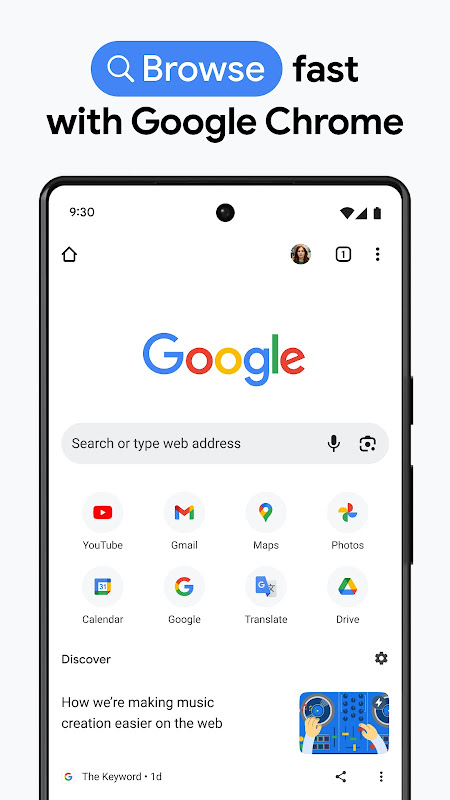
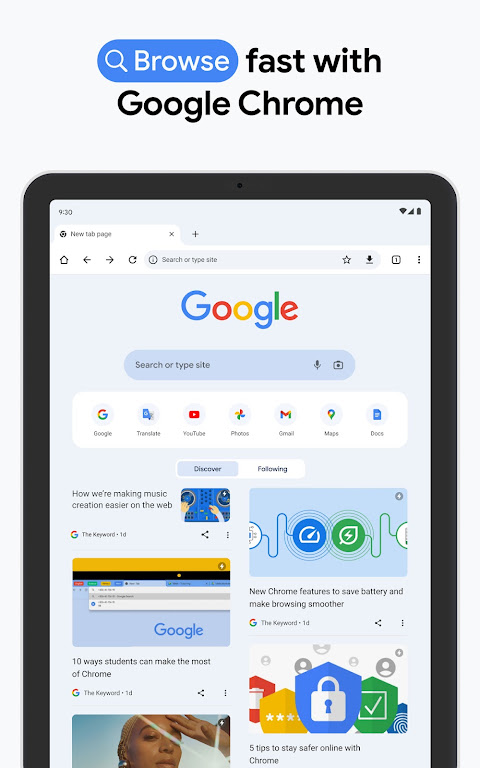
Google Chrome delivers a seamless browsing experience that syncs effortlessly across all your devices, making it ideal for users who value continuity in their digital activities. Its powerful search capabilities and intelligent suggestions help you find information faster while maintaining robust security against malicious sites. This browser serves students, professionals, and everyday internet users seeking reliable performance and intuitive navigation.
Fast and Intelligent Searching
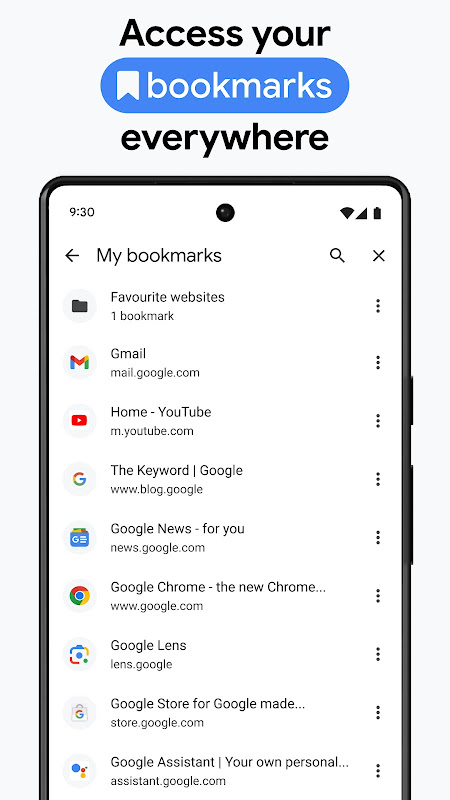
Chrome’s address bar doubles as a search engine that anticipates your needs before you finish typing. It pulls results from your browsing history, saved bookmarks, and trending searches to deliver relevant information instantly. The browser learns your preferences over time to refine suggestions and accelerate your workflow.
Secure Browsing Protection
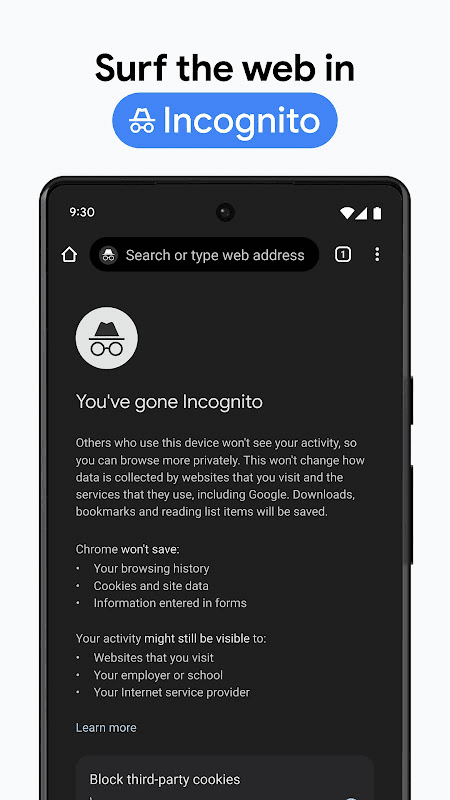
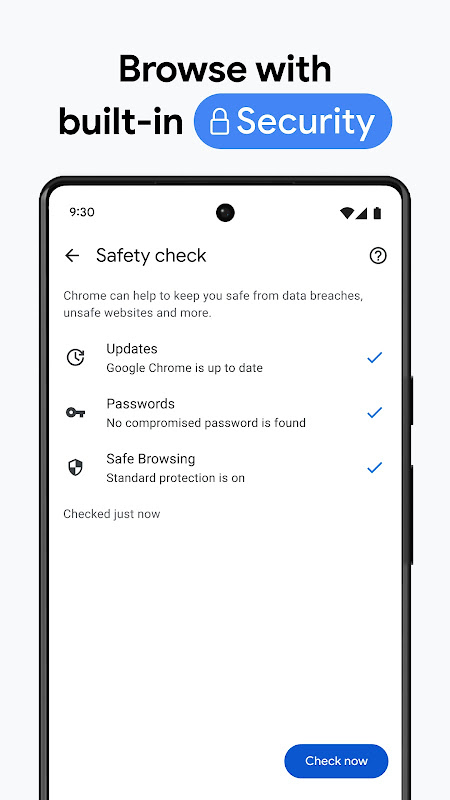
Built-in Safe Browsing technology automatically warns you when attempting to visit dangerous sites that might steal passwords or install malware. Chrome regularly updates its security database in the background to protect against new threats without interrupting your browsing session. All your interactions with websites remain private through incognito mode when needed.
Cross-Device Synchronization
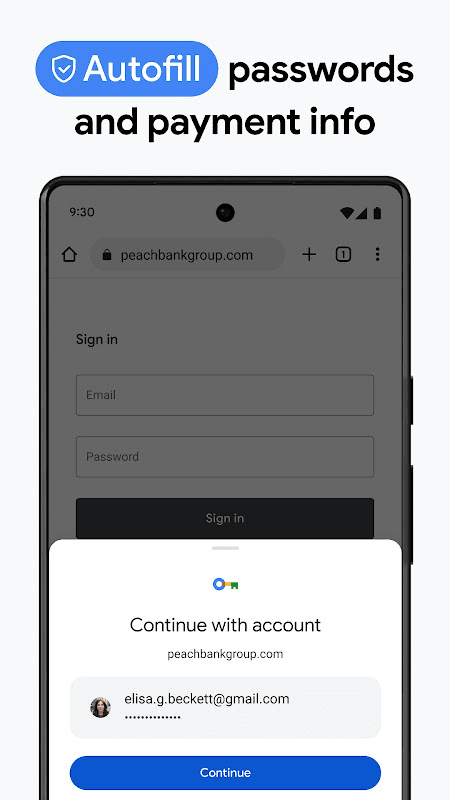
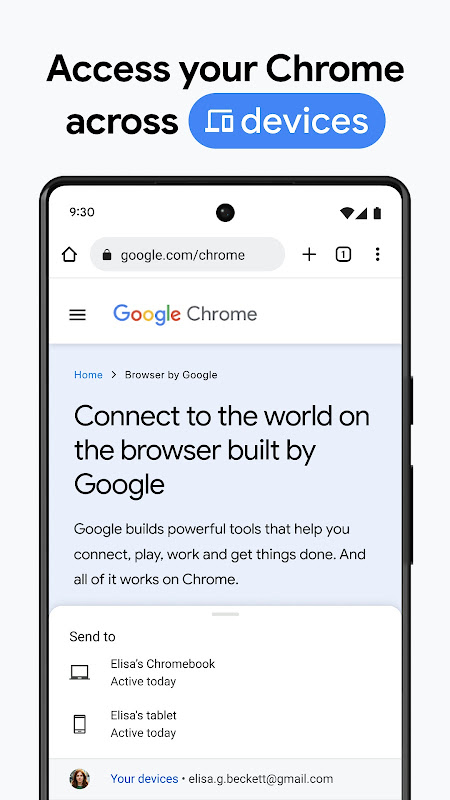
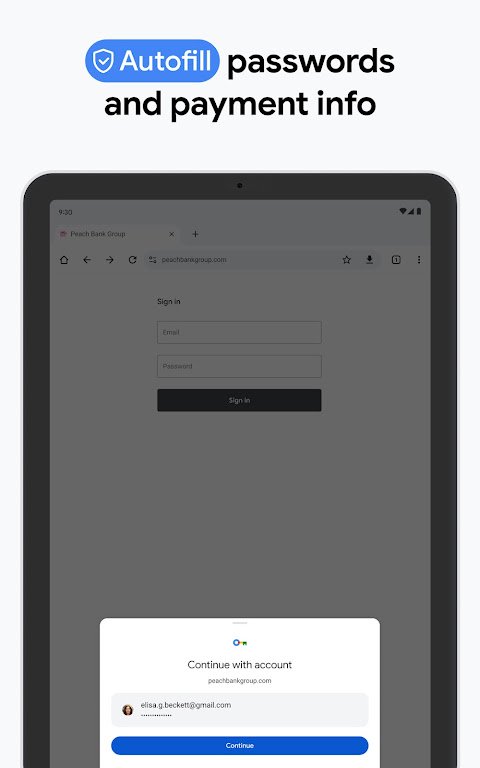
Your open tabs, saved passwords, and browsing history seamlessly transfer between your phone, tablet, and computer when signed into your Google account. This continuity lets you start researching on one device and continue exactly where you left off on another. Even your autofill information stays synchronized for faster form completion everywhere.
Data-Saving Performance Mode
Chrome’s optimized loading system compresses webpages and images to reduce data consumption by up to 60% when enabled. This feature significantly speeds up loading times on slower connections while minimizing your mobile data usage. The browser also efficiently manages memory to keep multiple tabs running smoothly without draining your battery.
Customizable Reading Experience
The simplified reading mode removes distracting ads and formatting to present articles in a clean, customizable layout. You can adjust text size, font style, and background color for comfortable extended reading sessions. This distraction-free environment helps maintain focus on content whether you’re browsing news or researching documents.
What’s new in 157.0.8103.51
Thanks for choosing Chrome! This release includes stability and performance improvements.
File information
- App name
- Google Chrome
- Publisher
- Google Inc.
- Category
- Communication
- Version
- 157.0.8103.51
- Size
- 135.97 MB
- Format
- XAPK
- Requires Android
- Android 10.0+
- Last update
- November 14, 2026
- Package name
- com.android.chrome
Security scan completed
Older versions
Installation
- Tap Download and wait for the file to finish downloading.
- Open the file from your Downloads folder.
- Use an installer that supports this file format.
Frequently Asked Questions
Chrome offers multiple privacy controls including incognito mode that doesn't save your history, plus settings to block third-party cookies and control site permissions. The security check feature regularly scans your saved passwords and alerts you about any compromised credentials.
Yes, Chrome functions fully without an account, though signing in enables synchronization across devices. The browser still provides all core features including bookmark management, history storage, and security protections regardless of account status.
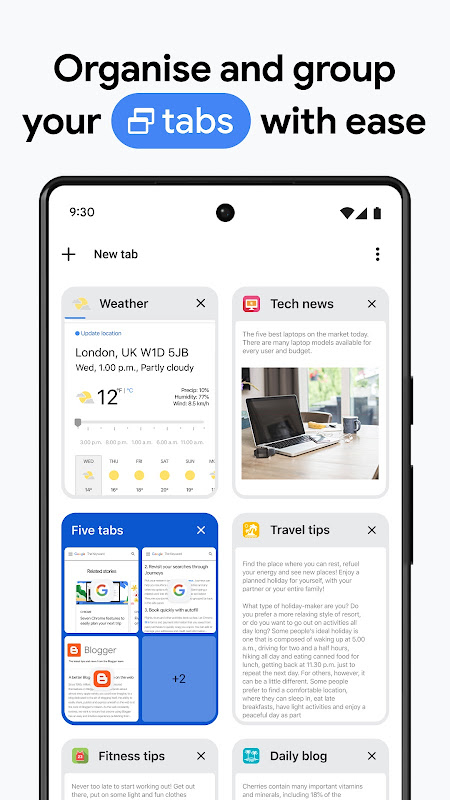
The browser uses advanced memory management that freezes background tabs to conserve resources while keeping them readily available. This architecture prevents slowdowns when switching between numerous open websites and maintains stable performance during extended browsing sessions.
 Google Play services
 Gmail
 YouTube
 Google Translate






Ratings and comments
0 comments